StoriesOctober 20, 2026
脑花服务器:我们为什么还在替软件上班?
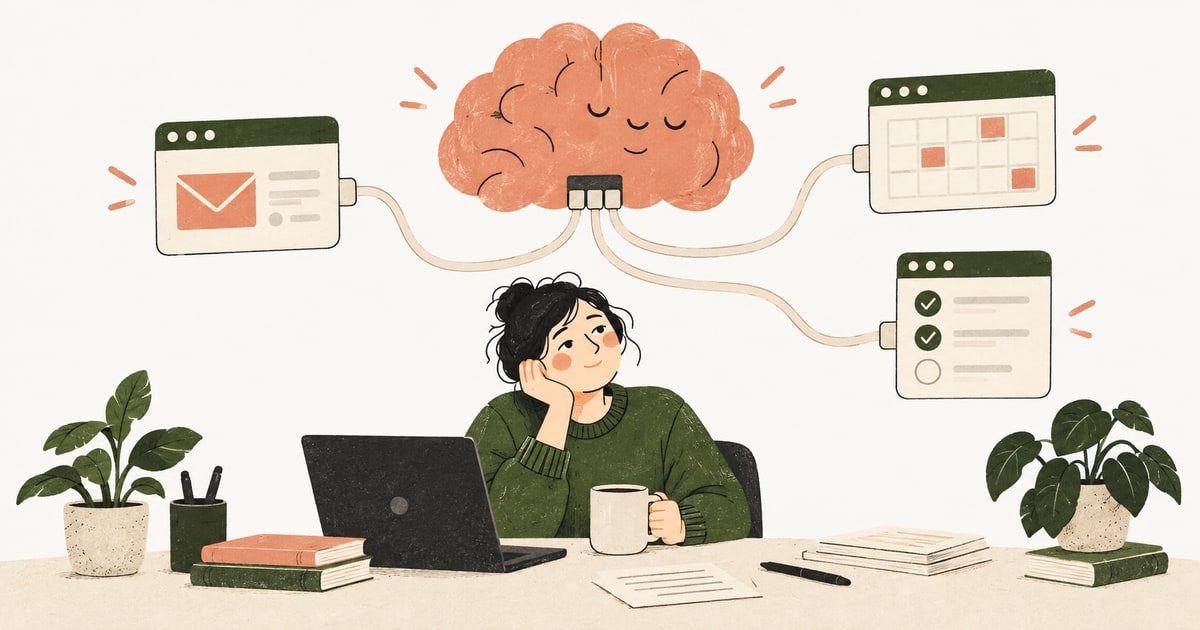
邮箱、表格、日历都运行良好,只有你开始出汗。当人变成软件之间的连接器,AI Agent 应该接走多少工作,又该把多少注意力还给我们?
We looked at how teams actually use their AI coworker — anonymized and in aggregate. The real answer isn't 'everything.' It's a short list of jobs people hand off first, almost all of it conversational and inside Slack or Teams.
"What can an AI coworker actually do?" is the first question every team asks — and the honest answer isn't "anything." We looked at how teams actually use Junior, in aggregate and anonymized, and a clear, much shorter list emerged. Here's what people really hand off, in roughly the order they reach for it.
The mental model most people arrive with is a robot you program once and forget. That's not how it gets used. The overwhelming majority of activity is interactive — someone messages Junior the way they'd message a teammate, gets a result, and replies. Set-and-forget scheduled automation is rare early on; it shows up later, once a team trusts how Junior handles a task.
And it happens where the team already works: the vast majority of interactions are inside Slack or Microsoft Teams, not a separate web app. Slack tends to be broad (many people, light touches); Teams tends to be deep (fewer people, longer sessions). Either way, the AI coworker is a presence in the channel, not a tab you remember to open.
The most consistent everyday job: turn a few bullets into a written thing. Post-meeting follow-ups, replies, outreach, the message you've been putting off. You give the gist; Junior gives you a draft to send.
A big share of asks are about Notion, Sheets, files, and data — pull this, summarize that, put it in the doc, find the number. The AI coworker sits on top of the tools you already use and does the fetching, formatting, and tidying.
Recurring updates: the weekly recap, the metrics summary, the "what happened this week." This is also where the conversational → scheduled transition happens — teams first ask for a report by hand, then have Junior produce it on a cadence once it looks right.
"What did I miss in this channel?" "Summarize this thread." Reactive, high-frequency, and quietly one of the most-loved jobs — it turns an unread backlog into two sentences.
Lighter but real: updating the CRM after a call, logging a decision, keeping a tracker current — the admin that never gets done.
Notably quiet early on: heavy ads/performance work and deep research. Useful, but not where teams start.
The single most common thing new teams do isn't a task at all — it's figuring out what to hand off ("can you…?", "how do I…?"). That's the actual onboarding hurdle, and the lesson is simple: start with one recurring, low-stakes job you already do in writing. A weekly update. A post-meeting follow-up. A channel catch-up. Get one working and trusted, then expand. The teams that try to automate everything on day one are the ones that stall.
A note on the data: this reflects patterns across recent, anonymized usage of an early-stage product — directional, not a census. We didn't read or publish anyone's actual messages; this is aggregate behavior only.
If you're deciding where to point an AI coworker first, these are the proven starting points:
Follow Junior
Cookies on junior.so
We use analytics cookies to understand how the site is used so we can improve it, and a scheduler for booking demos. Necessary cookies keep you signed in and cannot be turned off. Read our Privacy Policy.
